Smokes your problems, coughs fresh air.

Month: March 2007

A domain for the Omega Research Foundation

Popko, my dad, has founded the Omega Research Foundation in 1984 (when I was two years old). The Foundation was to serve as a a vehicle for his research into cyclical changes within ecological and social systems.

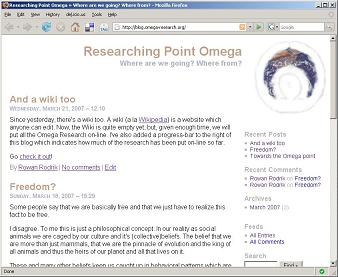
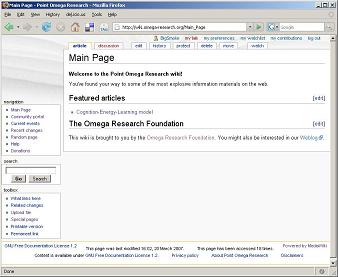
Last week, after 23 years of hibernation, the foundation has been geared up again to publish what Popko had already been wanting to publish these twenty plus years ago. So, what happened in between? For the last 15 years, Sicirec happened. Actually, Sicirec is still happening, but, starting last month, I don’t need to spend the majority of my waking hours on it anymore. That’s why I registered the domain omega-research.org and installed a wiki and a weblog under it.

Jorrit is also in on this project. We’re doing this together, the three of us, hoping to involve others from within and around our circle.

Omega Research Weblog Omega Research Wiki

eps2eps to the rescue when epstopdf complains of no bounding box

PDFLaTeX doesn’t like encapsulated postscript images. If you want to use .eps files with pdflatex, you can convert these files to PDF using Sebastian Rahtz’ epstopdf, and then remove all .eps file extensions from the image locations in your .tex source files. Then, the latex command will look for .eps file and the pdflatex command will look for .pdf, .jpg and .png files.

The other moment, I tried to do just this. But, epstopdf complained about the lack of a bounding box in one of my EPS files. Indeed, the conversion finished but generated a huge white background with the actual image somewhere in the lower left corner. From the man-page:

epstopdf transforms the Encapsulated PostScript file so that it is guaranteed to start at the 0,0 coordinate, and it sets a page size exactly corresponding to the BoundingBox. This means that when Ghostscript renders it, the result needs no cropping, and the PDF MediaBox is correct. The result is piped to Ghostscript and a PDF version written.

If the bounding box is not right, of course, you have problems…

Luckily, while tab-completing from eps to epstopdf, I noticed the eps2eps utility. I though: What if this utility happens to sanitize the EPS file a bit? A quick look at the man page and a test run later, my hope was confirmed: epstopdf would now generate a nice PDF file without complaining.

The epstopdf manual page could be amended to: If the bounding box is not right, you might want to try to run eps2eps first.

Making flash cards on-line

I’m learning Spanish from a Dutch method called Eso sí. Approaching chapter 10, I noticed that I would benefit from first learning the words introduced in each chapter before starting on the chapter’s text and exercises. From doing some exercises on Spanish learning websites (especially www.studyspanish.com), I noticed that flash cards can be a great help.

When I used to be behind a Linux terminal, there would always be an abundance of open source flash card software only one apt-get or emerge away. But, I’m behind a Windows terminal, so I thought I’d better try my luck with some on-line tool to make flash cards.

I first came by The Amazing Flash Card Machine. I registered an account and created a few cards.

http://www.flashcardmachine.com/myFlashCards/

I didn’t find the process of adding cards in the Flash Card Machine very quick or supple, so I went to the next tool, FlashcardExchange. Registering an account again was pretty straight-forward, except the the confirmation mail took ages to arrive, which made me click the resend confirmation link (which was very well presented) twice and even change my registration email address before I noticed all four mail had finally arrived when I returned to my desk after a few hours.

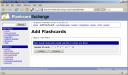
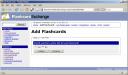
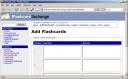
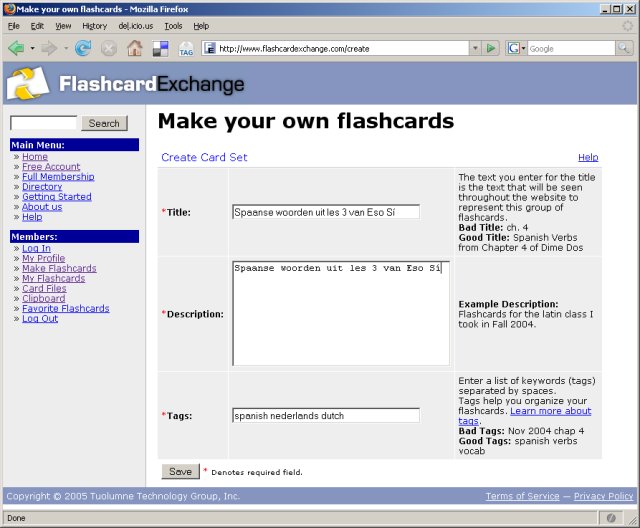
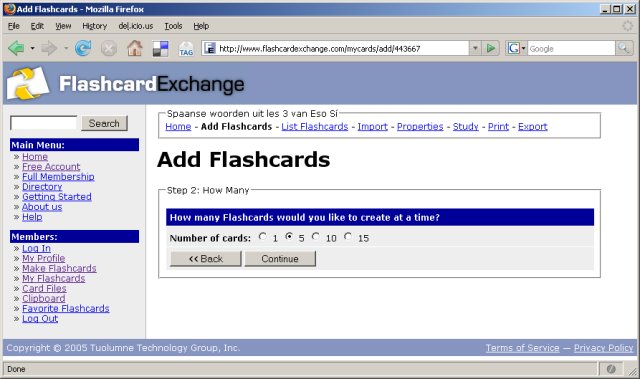
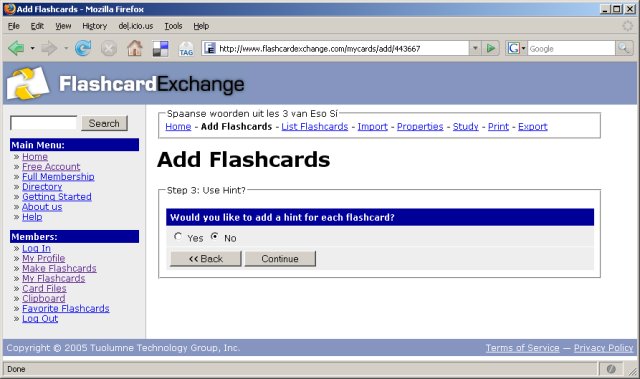
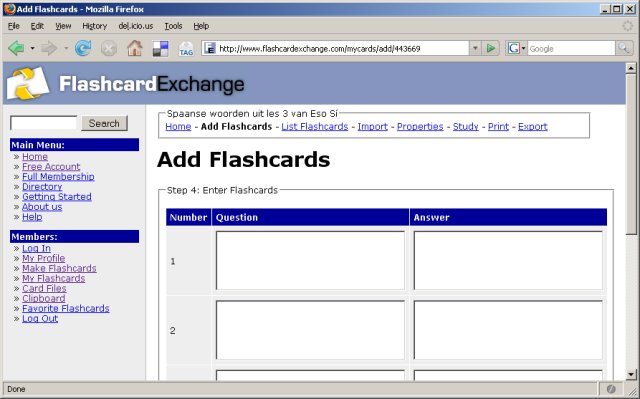
I created two card sets using their clean GUI. About that GUI: although clean, it takes a few too many steps to create a new card set or to start studying a card set:
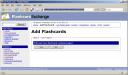
http://www.flashcardexchange.com/create - step 1 http://www.flashcardexchange.com/create - step 2 http://www.flashcardexchange.com/create - step 3 http://www.flashcardexchange.com/create - step 4 http://www.flashcardexchange.com/create - step 5

They have the option to add the contents of multiple card sets to a single Leitner card file, but you then need to pay a one-time fee of $19.95. I’ve considered hashing out the 20 dollars, because the site has a clean design and offers good import/export features (a must if I’m going to shell out money for any service). However, with a GUI that gets in the way of adding cards, I’m going to keep the money where it is.

When I looked a little further, I noticed a pretty cool flashcard wiki anyone can edit, but again, no Leitner card files.

In the end I returned to open source desktop software again. Amazingly some of it supports Windows because the software is written in Java or because the developers feel my pain. Now, next time, I still have to choose between three fine applications.
© 2026 BigSmoke

Theme by Anders NorenUp ↑